How-to videos
Cohesyve in tenone-minute videos.
Ten one-minute videos that walk through Cohesyve: creating a role from a job description, screening resumes, inviting candidates, reading reports, proctoring and sourcing.
Set up
 1:0001Get started with CohesyveCreate your account, tell us about your team and paste a job description. Your first assessment builds itself.
 1:0102Create a role from a job descriptionPaste a job description and Cohesyve drafts the whole assessment: the skills, the question formats, the difficulty and the screening.
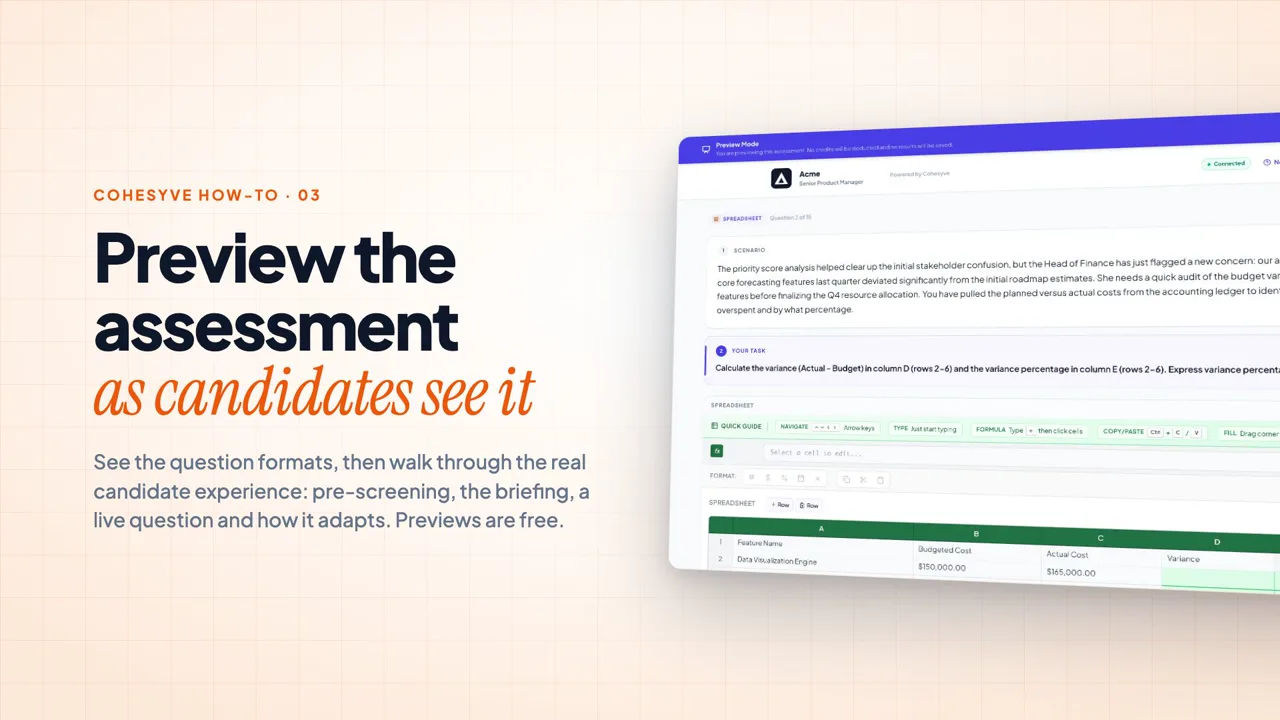 1:0903Preview the assessment as a candidateSee the question formats, then walk through the real candidate experience: pre-screening, the briefing, a live question and how it adapts. Previews are free.
Hire
 1:0104Screen resumes with pre-vettingDrop in a stack of resume PDFs. Cohesyve checks each one against your must-haves, knocks out only clear misses and hands you the rest to invite.
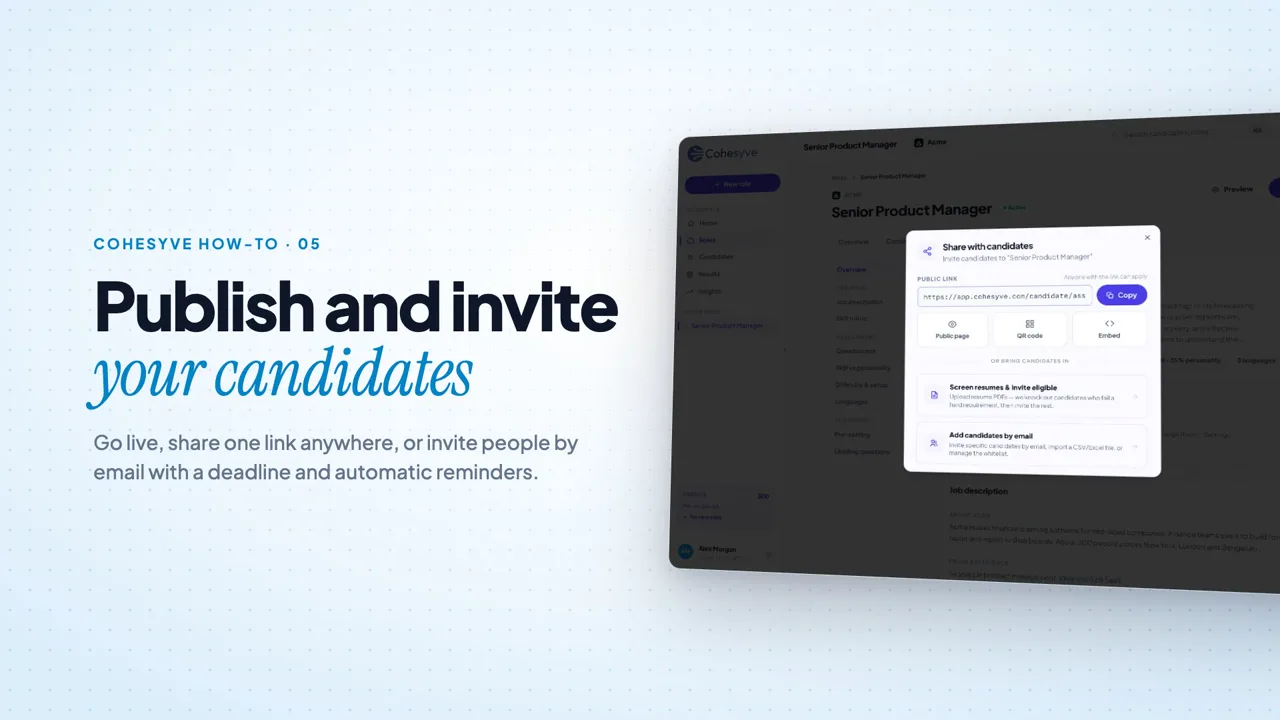 1:0005Publish and invite candidatesGo live, share one link anywhere, or invite people by email with a deadline and automatic reminders.
 1:0006Review your pipeline and shortlistSee where every candidate stands, rank them by the work, shortlist the top tier and export exactly what you need.
 1:0007Read a candidate reportEvery report shows the verdict, the evidence behind it, how the candidate thinks and works, and whether the attempt was clean.
 1:0908Proctoring and the trust scoreChoose what to monitor, switch it on for a role, then read each candidate’s trust score and exactly what was flagged.
Go further
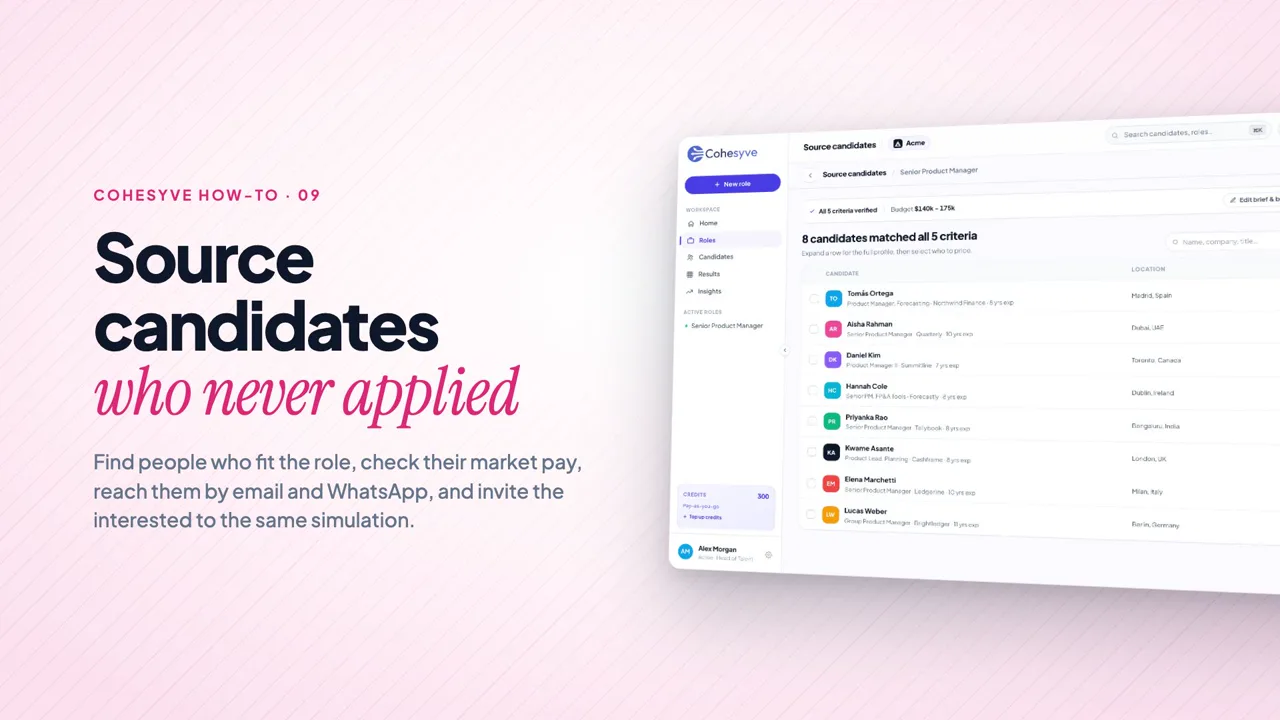 1:1809Source candidates who never appliedFind people who fit the role, check their market pay, reach them by email and WhatsApp, and invite the interested to the same simulation.
 1:0610Manage your workspaceTell Cohesyve about your company, bring in your team, share roles and keep an eye on your credits.
Try it on a role you’re hiring for.
Paste a job description and your first assessment builds itself in about a minute.